The Minecraft launcher made for Mac.
Free and native, written in Swift rather than wrapped in a web page. One Universal app for Apple silicon and Intel. Full control over every pack, plus what other launchers leave out.
v0.23.6 macOS 14 or later Apple silicon and Intel Signed and notarized
Playing in about a minute.
MC² comes as a disk image signed with a Developer ID and notarized by Apple, so macOS knows where it came from and checks it before the first launch.
Download MC2.dmg
About 47 MB. The button above always fetches the latest release.
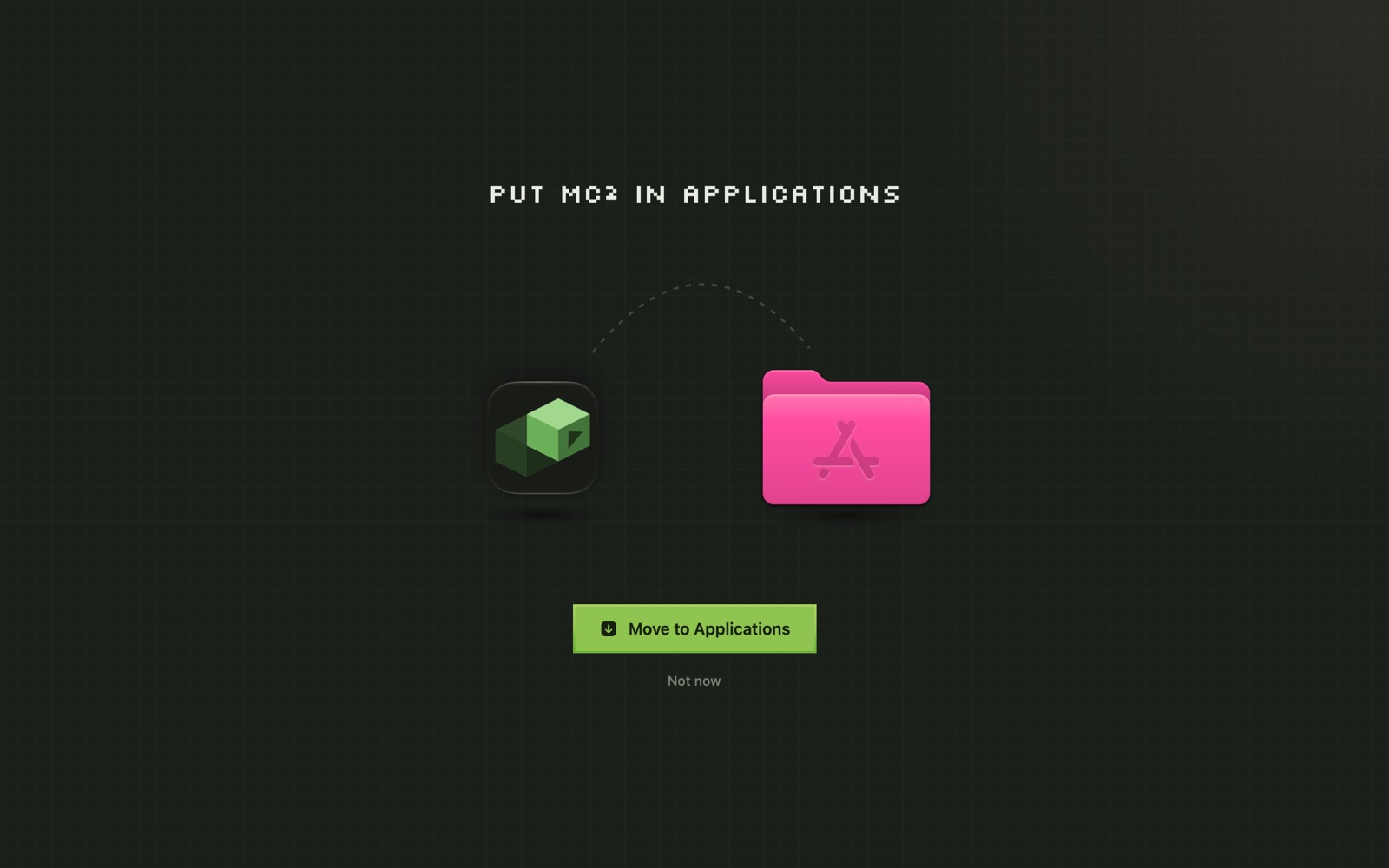
Drag MC² to Applications
Opened it straight from Downloads instead? MC² offers to move itself there in one click.
Sign in with Microsoft
The account that owns Minecraft: Java Edition. Add more accounts any time.
Bring your packs, or start one
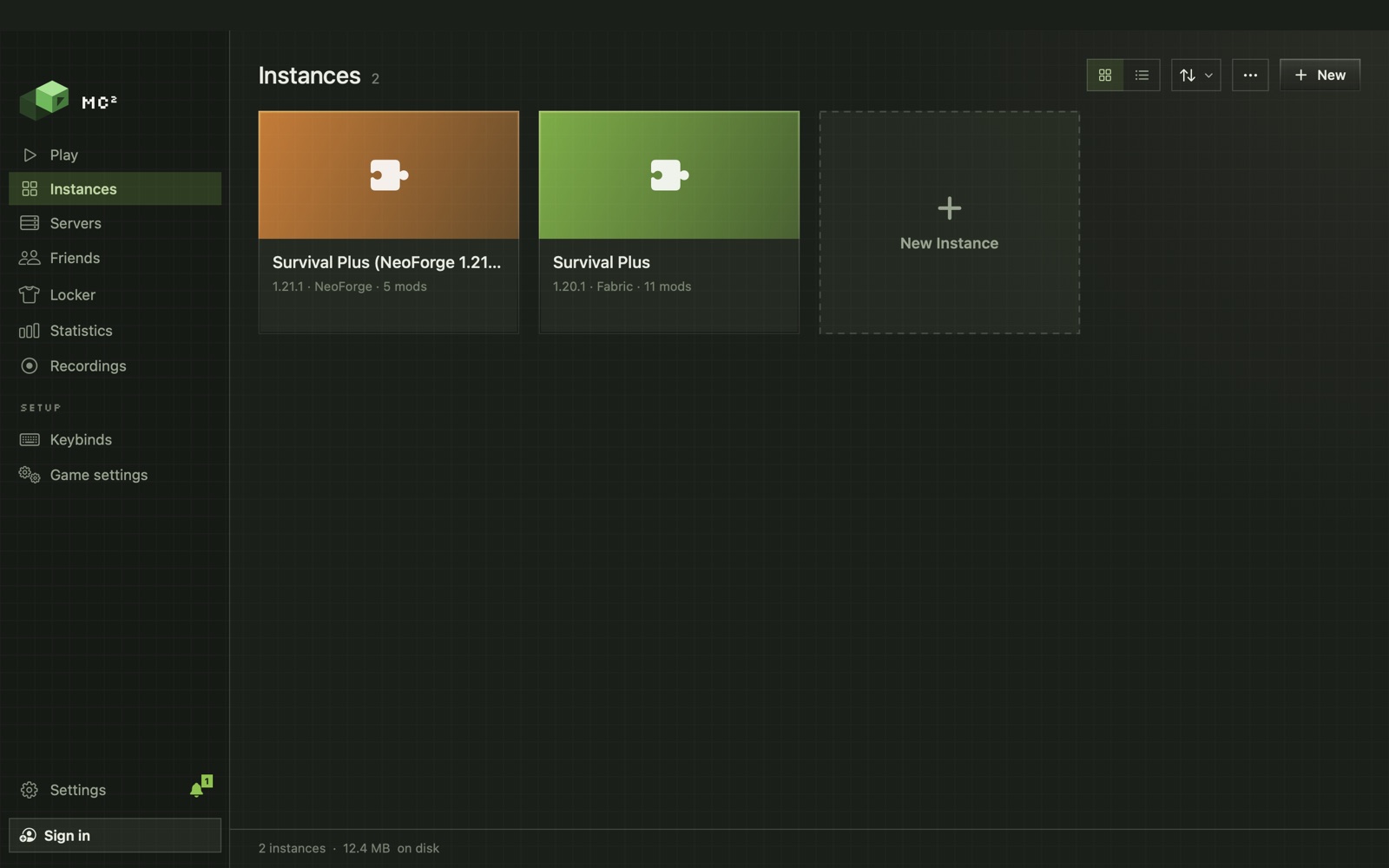
Copy packs over from another launcher, or press New, pick a version and a loader, and play.
Your packs come with you.
Bring It Over finds packs from other launchers on your Mac and brings them in, worlds, mods and settings included, as a copy or in place.
Prism · MultiMC · ATLauncher · GDLauncher
Plus CurseForge, the Modrinth App and the Minecraft Launcher itself.
.mrpack · CurseForge .zip · .mc2pack
Open one, or drop it on MC², and it becomes a pack.
Keep both, or reclaim
After a copy you choose: keep the other launcher's files, move them to the Trash, or delete them.
Built for the computer it runs on.
Native, and Universal
SwiftUI, not a web view. One app runs natively on Apple silicon and on Intel Macs.
Mods stored once
Every mod, resource pack and shader is kept once and cloned into each pack with APFS, so a mod in ten packs takes the space of one.
Lives in the menu bar
Close the window and servers and downloads keep going. Quit with ⌘Q.
Updates itself
New versions download in the background. One click relaunches into them.
Records without OBS
Built-in recording and a clip buffer, with macOS's own screen capture.
The right Java, per version
MC² downloads the Java each Minecraft version needs and pins it per pack. Nothing to install first.
More than a launcher.
Mod manager
Modrinth and CurseForge in one search, updates you can roll back, and a crash culprit finder.
FriendsModpack sharing
Send a pack with a link, keep it in sync, and play together on one server.
ServersServer hosting
Your own server on your own Mac, free. Port forwarding and Bedrock crossplay included.
Before you download.
Does MC² run on an Intel Mac?
Yes. MC² is a Universal app: Apple silicon and Intel, on macOS 14 or later. Most testing happens on Apple silicon, so tell us if something breaks on Intel.
Is MC² free?
Yes. The launcher is free, hosting your own server is free, and the animated capes that ship with it are free. Optional ranks earn cosmetics faster.
Do I still need to buy Minecraft?
Yes. You need Minecraft: Java Edition on your Microsoft account. You sign in with Microsoft directly, and MC² never sees your password.
Will it touch my existing worlds or mods?
No. MC² keeps its own library and never touches .minecraft. Packs brought over from other launchers are copies.
Why does it ask for Screen Recording or Accessibility?
Screen Recording is for recording the game. Accessibility puts game windows back where you left them. Both are optional.
How do updates work?
Automatically. MC² downloads them in the background, and one click relaunches into the new version.