
Send a pack in seconds.
A link, a file, or straight to a friend. It rebuilds on their end, no zips, and the changes you make after reach them too. On Mac, and in the Windows beta, across both.
From the pack's page.
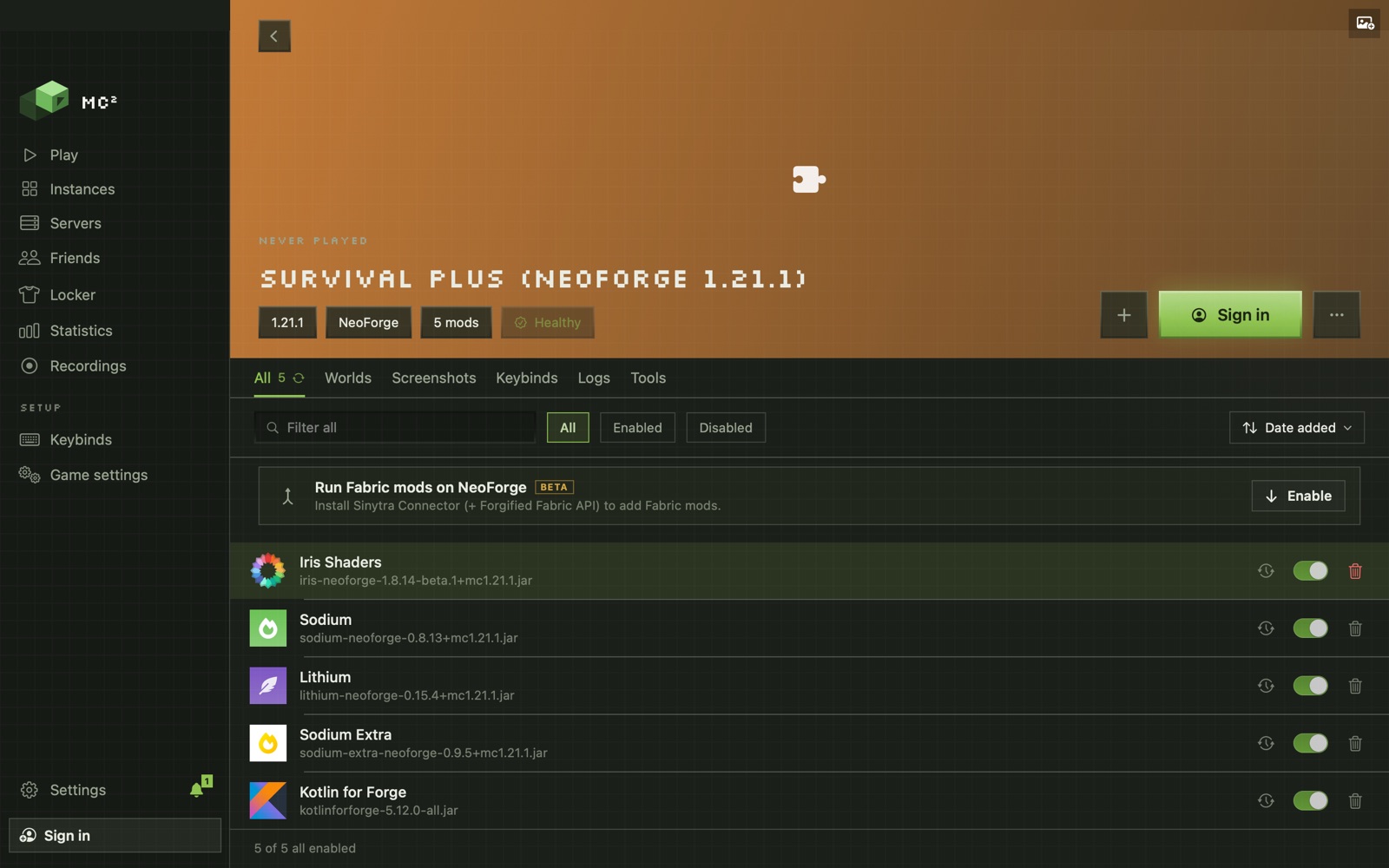
Open the pack and choose Share… from the ··· menu next to Play.
Create a share link
Copy it into Discord or a message. Anyone with MC² opens it and the pack installs.
Or save as a file
A .mc2pack carries the configs and any jars a link cannot.
Or send to a friend
Pick MC² friends and press Send. Add your server and they get a Join button once the pack finishes installing.
Change a mod. It changes for them.
Keep in sync
A pack you send stays linked. Mods you add, remove or update reach your friend's copy.
Never mid-game
A change waits until their game is closed, and until they're online.
Squads
A pack and a server for a group: everyone in the squad gets the pack, stays in sync, and joins with one button.
Open it. Play.
Open the link or the file
Or in MC², Import Instance: choose a pack file or paste a link. A sent pack arrives with a notification.
It rebuilds
MC² downloads every mod from where it's published, with the right version and loader.
Play, or Join
If they added a server, Join is ready when the pack is.
A page for your pack.
Publish a Page…
A public install page for the pack on getmc2.com, with a short description and an Install in MC² button. Pasted into Discord, it previews with the pack's name.
Export as .mrpack
For friends on another launcher: Prism, the Modrinth App and others open it.
Mac to PC, and back
Both apps share one engine, so a pack sent from a Mac opens the same on Windows.
Before you download.
How do I share a Minecraft modpack with a friend in MC²?
Open the pack, choose Share… from its ··· menu, and either create a share link, save it as a file, or send it straight to an MC² friend. They open it in MC² and the pack rebuilds on their end.
Does my friend need MC²?
To open a share link, a .mc2pack or a sent pack, yes. For a friend on another launcher, export the pack as an .mrpack instead.
What does keep in sync do?
When you send a pack to a friend, the changes you make after (mods added, removed or updated) reach their copy. A change waits until their game is closed, and until they are online.
Is a share link a zip of my mods?
No. A link carries the pack's recipe, and MC² downloads every mod from where it is published. A .mc2pack file also carries configs and any jars a link cannot.
What is a squad?
A set of your packs that share one server and one synced pack. Friends in a squad get the pack, stay in sync with it, and have one Join button for the server.